FPDS: How to Use the Federal Procurement Data System for Competitive Intelligence
How to use FPDS.gov to research federal contracts, find agency spending patterns, identify competitors, and build a smarter bid strategy.
Every federal contract award over $10,000 is recorded in the Federal Procurement Data System (FPDS). That means billions of dollars in contract data: who won, how much they won, which agency awarded it, and under what terms, is publicly available and searchable.
Most contractors use FPDS to check past awards after losing a bid. Smart contractors use it before they bid to research the competitive landscape, understand agency spending patterns, and identify opportunities before they're even posted.
What Is FPDS?
FPDS (Federal Procurement Data System) is the U.S. government's official database of contract award data. Managed by the General Services Administration (GSA), it captures detailed information on every federal contract action including:
- Contract awards: who won, award amount, contract type
- Modifications: extensions, increases, change orders
- Agency details: which office and contracting officer
- Vendor details: company name, size, NAICS code, socioeconomic status
- Contract vehicle: GSA Schedule, IDIQ, BPA, standalone
- Competition type: full and open, set-aside, sole source
The data is available at fpds.gov and also feeds into USAspending.gov, which provides a more user-friendly interface for exploring federal spending.
Why FPDS Matters for Your Business
1. Research Before You Bid
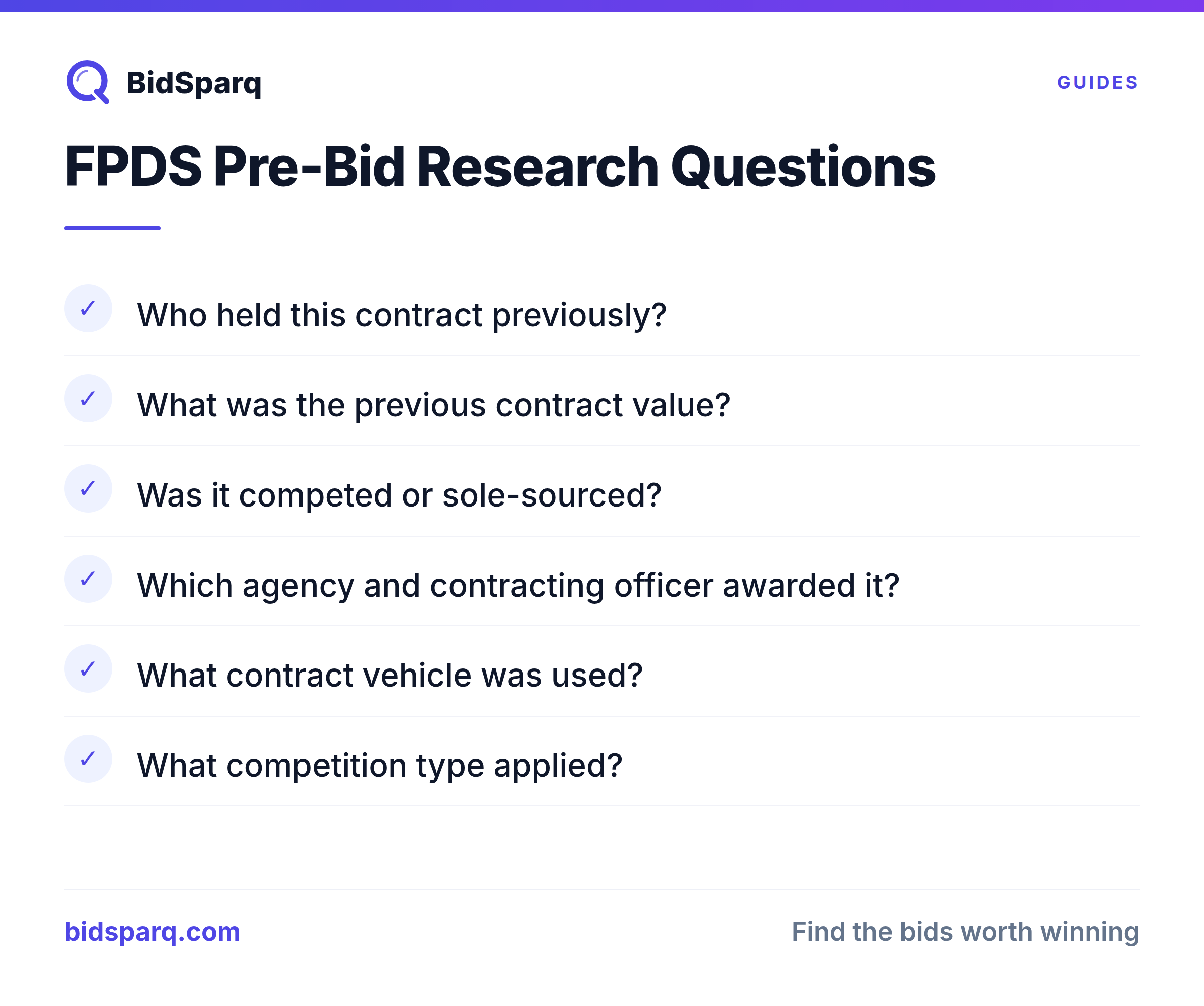
Before responding to an RFP, use FPDS to answer critical questions:
- Who held this contract previously? (Are you competing against an incumbent?)
- What was the previous contract value? (Is your pricing competitive?)
- Was it competed or sole-sourced? (What's your realistic chance of winning?)
- What contract type was used? (FFP, T&M, cost-plus?)
2. Identify Target Agencies
Search by NAICS code to find which agencies spend the most in your service area. This tells you where to focus your business development efforts.
3. Map Your Competition
Search by NAICS code or product/service code to see who's winning contracts similar to yours. Understand their pricing, contract vehicles, and which agencies they serve.
4. Find Teaming Partners
Look for large primes who win contracts in your NAICS code: they may need subcontractors with your capabilities. FPDS shows you who the major players are in each agency.
5. Spot Recompete Opportunities
Contracts have end dates. Search FPDS for contracts in your space that are expiring in the next 6-12 months: these will likely be recompeted, and you can prepare before the RFP drops.
How to Search FPDS
Basic Search (fpds.gov)
The FPDS website at fpds.gov has a search interface with filters for:
- Date range: fiscal year or custom dates
- Agency: department and sub-agency
- NAICS code: 6-digit industry classification
- PSC code: Product/Service Code (more specific than NAICS)
- Vendor name: search by company
- Award type: contract, BPA, purchase order, IDIQ
- Set-aside type: small business, 8(a), HUBZone, etc.
USAspending.gov (Easier Interface)
USAspending.gov pulls from the same data but has a more modern, visual interface. Use it when you want to:
- See spending by agency in chart form
- Download bulk data for analysis
- Explore geographic distribution of contract spending
- Link contracts to the specific federal accounts funding them
Advanced Search Tips
- Search by PSC, not just NAICS. Product/Service Codes are more specific. "D302" (IT systems development) is more targeted than NAICS 541512 (which covers all computer systems design).
- Filter by "Extent Competed." This shows whether contracts were full-and-open, set-aside, or sole-sourced. Set-aside contracts in your certification category are prime targets.
- Look at modifications, not just base awards. A $1M base award with $5M in modifications tells a different story than the initial award suggests.
- Check the "Period of Performance." Contracts expiring in 6-18 months are likely coming up for recompete: start preparing now.
- Export to spreadsheet. FPDS lets you download search results as CSV for deeper analysis.
Using FPDS for Competitive Intelligence
Step 1: Map Agency Spending
Search your primary NAICS codes across all agencies for the past 3 fiscal years. Sort by total obligated amount to find the agencies spending the most in your space.
Step 2: Identify Incumbents
For your target agencies, look at who currently holds contracts. These are the vendors you'll compete against, and potentially team with as subcontractors.
Step 3: Analyze Contract Vehicles
Note which contract vehicles agencies use. If most awards in your space go through GSA Schedule or a specific IDIQ, you need to be on those vehicles to compete.
Step 4: Track Pricing Trends
Compare award amounts for similar contracts over time. This gives you a realistic pricing baseline for your proposals.
Step 5: Find Set-Aside Patterns
Some agencies set aside a high percentage of contracts for small businesses. If you have set-aside certifications, focus on agencies with strong small business programs.
FPDS vs. USAspending vs. SAM.gov
| System | Purpose | Best For |
|---|---|---|
| FPDS | Detailed contract award data | Competitive intelligence, contract research, recompete tracking |
| USAspending | Visual spending explorer | Agency spending analysis, geographic data, trend charts |
| SAM.gov | Active solicitations + entity registration | Finding current RFPs, registering as a vendor |
Use all three together: SAM.gov to find active opportunities, FPDS to research the competitive landscape before bidding, and USAspending for big-picture agency spending analysis.
Common FPDS Mistakes
- Only searching after you lose. Use FPDS proactively: research before you bid, not just for post-award debriefs.
- Ignoring modifications. Base awards only tell part of the story. A contract that started at $500K might have grown to $5M through modifications.
- Searching too narrowly. Use multiple NAICS and PSC codes. Contracting officers don't always pick the most obvious code.
- Not tracking recompetes. Set calendar reminders for contracts expiring in your space: the recompete RFP will drop 6-12 months before expiration.
Frequently Asked Questions
Is FPDS data free to access?
Yes. FPDS.gov and USAspending.gov are both free, public databases. No registration required to search. You can also download bulk data files for offline analysis.
How current is FPDS data?
Agencies are required to report contract actions within 3 business days. In practice, there can be a lag of 1-4 weeks for some agencies, but most data is reasonably current.
Can I find state and local contract data in FPDS?
No. FPDS only covers federal contracts. For state, local, and education (SLED) contracts, you need to check individual state procurement portals or use an aggregator like BidSparq.
Next Steps
- Start your free trial: BidSparq monitors active federal RFPs across SAM.gov and dozens of agency-specific portals
- Learn about NAICS codes and how they affect your FPDS searches
- Read our SAM.gov search tips for finding active solicitations
- Explore government contract types to understand what you find in FPDS
Find RFPs that match your business
BidSparq monitors 23,000+ procurement sources and uses AI to score every opportunity against your capabilities. Try it free for 14 days.
Start Free Trial →