SAM.gov Search Tips: Find Better Opportunities in Less Time
Master SAM.gov's search features with these practical tips for filtering, saving searches, tracking amendments, and finding pre-solicitation notices.

SAM.gov is the front door to federal contracting. Every opportunity over $25,000 is posted here. But the search interface can be frustrating: slow, unintuitive, and easy to miss things in.
Here are the tips that experienced BD professionals use to get more out of SAM.gov in less time.
Tip 1: Search by NAICS Code, Not Just Keywords
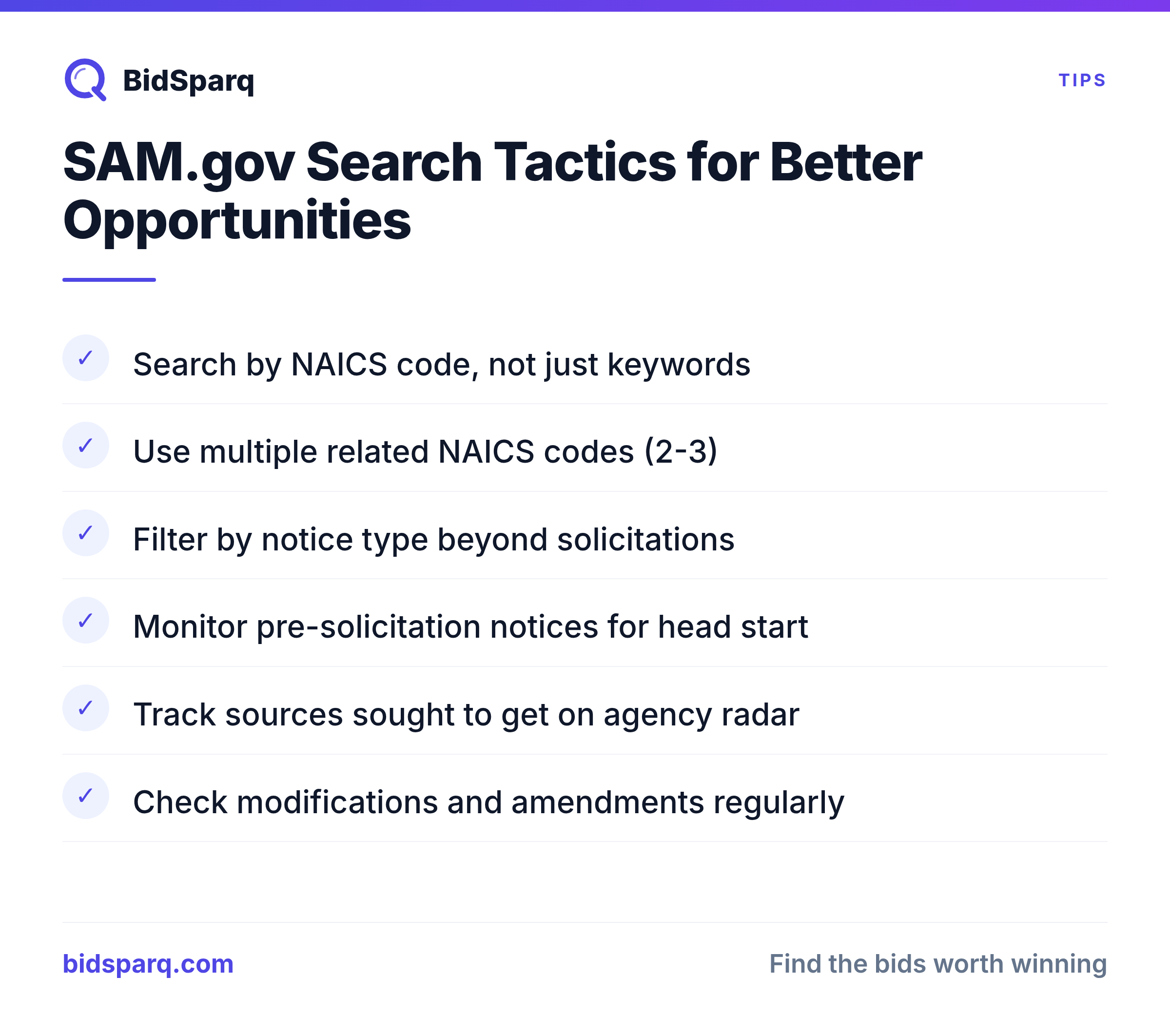
Keyword searches miss opportunities. A contracting officer might call it "IT modernization" while you're searching for "cloud migration." NAICS codes capture the entire industry regardless of terminology.
Find your primary NAICS codes at census.gov/naics. Common IT codes include 541512 (Computer Systems Design), 541511 (Custom Programming), and 541519 (Other Computer Related Services).
Pro tip: Search multiple related NAICS codes. Your work might span 2-3 codes depending on how the contracting officer classified it. See our full guide on NAICS codes explained to find the right codes for your business.
Tip 2: Filter by Notice Type
SAM.gov has several notice types, and they serve different purposes:
- Solicitation: Active RFP, ready to bid on
- Pre-Solicitation: Coming soon, start preparing
- Sources Sought: Agency researching the market, respond to get on their radar
- Special Notice: Informational, sometimes leads to future work
- Award Notice: Already awarded, useful for competitive intelligence
Most people only look at active solicitations. Smart contractors also monitor pre-solicitation notices and sources sought: these give you weeks of head start.
Tip 3: Check for Modifications and Amendments
When an agency modifies a solicitation, it often:
- Extends the deadline (more time to respond)
- Changes requirements (may open or close the opportunity for you)
- Answers questions from industry (reveals what competitors are asking)
- Adds or removes set-asides (see our set-aside programs guide)
Sort by "Modified Date" instead of "Posted Date" to catch these updates. An RFP posted 3 weeks ago might have been modified yesterday with a new deadline.
Tip 4: Set Up Saved Searches
SAM.gov lets you save searches and receive email notifications. Set up saved searches for:
- Each of your primary NAICS codes
- Your set-aside type (if applicable)
- Your geographic area (Place of Performance)
- Key agencies you've worked with before
The emails aren't pretty, but they work. Check them daily.
Tip 5: Research the Buying Agency
Before responding to a solicitation, research the contracting office:
- Search FPDS for their past awards on similar work
- Check if the incumbent is listed in the current contract's award history
- Look at the office's small business utilization rates
- Find the contracting officer's other active solicitations
This intelligence helps you understand whether you're competitive and how to position your proposal.
The Limitations of SAM.gov
SAM.gov only covers federal opportunities. It doesn't include:
- State procurement portals
- City and county solicitations
- School district and university RFPs
- Transit authority and special district opportunities
- GSA eBuy task orders (separate system)
For comprehensive coverage, you need to monitor hundreds of additional sources, or use a tool that does it for you. See how BidSparq compares to relying on SAM.gov alone.
Get SAM.gov + 2,000 more sources in one dashboard
BidSparq monitors SAM.gov plus state, local, education, and healthcare portals: with AI scoring that tells you which opportunities are worth pursuing.
Start Free 14-Day Trial →Next Steps
- Start your free trial: BidSparq monitors SAM.gov plus 23,000+ additional sources, with AI scoring and matching
- Read our complete guide on finding government RFPs
- Learn about RFP vs RFQ vs IFB solicitation types
Find RFPs that match your business
BidSparq monitors 23,000+ procurement sources and uses AI to score every opportunity against your capabilities. Try it free for 14 days.
Start Free Trial →