Vendor Risk Checks Before You Team on a Bid
Teaming with the wrong vendor can cost you a rejected proposal, a compliance flag, or a terminated award. Two free public data checks let you screen out the riskiest partners in under a minute each. Here is how to run them, and how to automate them across 14,000+ bid sources.
Teaming with the wrong vendor is one of the most expensive mistakes in the bid process. Add a subcontractor who is barred from awards, or a partner whose finances are quietly failing, and the cost is not theoretical: a rejected proposal, a compliance flag that follows you into the next evaluation, or an award that gets terminated after you have already won it. Procurement runs across education, healthcare, construction, IT, commercial, and government buyers, and teaming risk shows up in every one of them. The fix is not another diligence meeting. It is two vendor risk checks you can run in under a minute each, on free public data, before you commit a single hour of proposal time.
- Two free public checks catch the structural risks that kill teaming deals: federal exclusions and audit findings.
- Screening one vendor takes under a minute, so run it on every subcontractor, joint venture target, and teaming partner.
- An active federal exclusion is a stop signal: proposals that include an excluded partner get rejected or terminated.
- Single Audit findings such as material weaknesses and going-concern doubt reveal whether a partner can actually administer an award.
- BidSparq runs both checks automatically across the 23,000+ bid sources it tracks, with no manual UEI lookups.
- As of July 2026, 56,379 solicitations are open across those sources, and 172 of them mention capture.
Check one: is the vendor barred from awards?
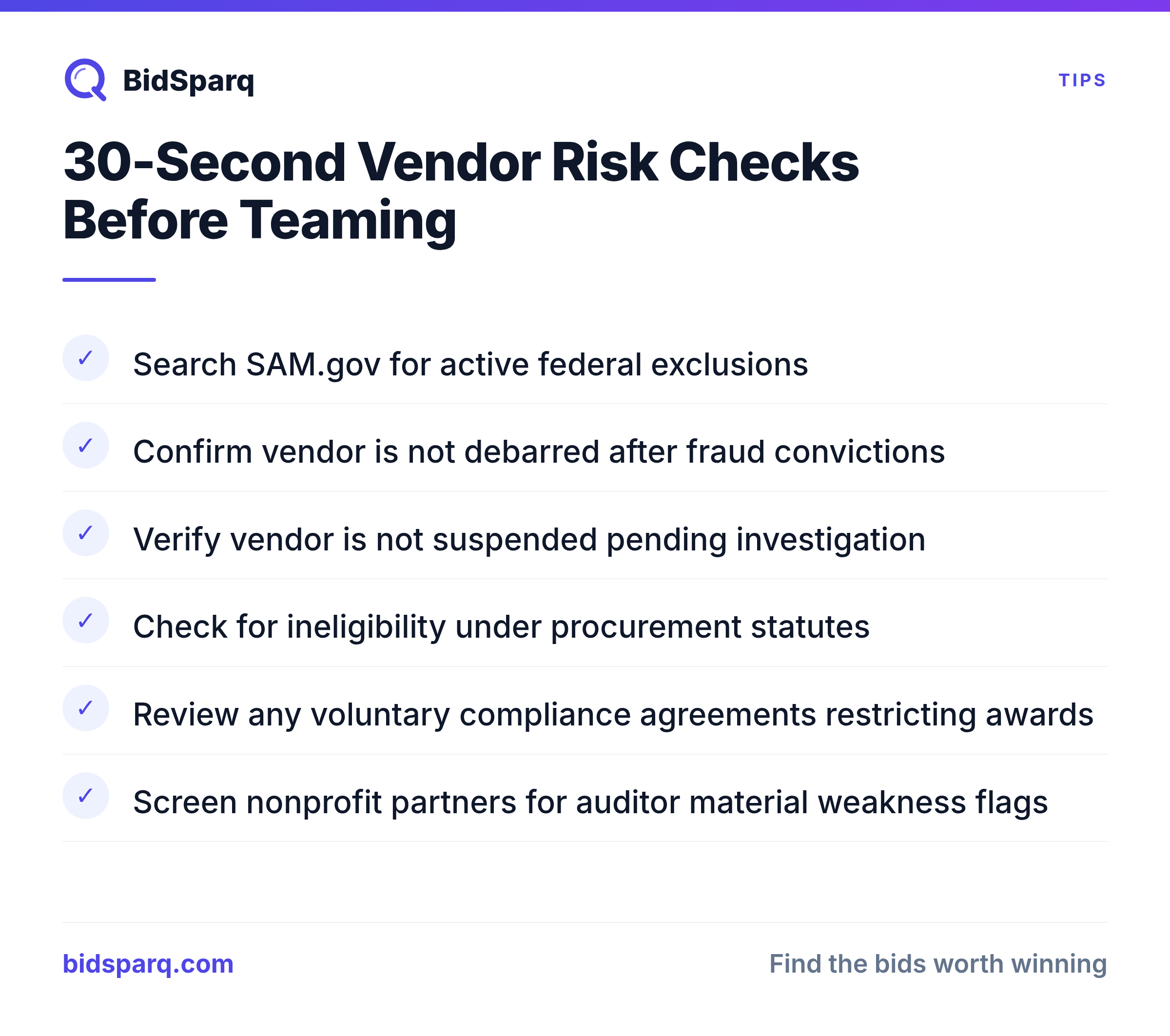
Start every teaming decision by confirming the partner can legally receive awards at all. SAM.gov maintains the authoritative list of every individual and entity formally excluded from federal awards. The list includes companies debarred after fraud convictions, firms suspended pending investigation, entities declared ineligible under specific procurement statutes, and organizations that voluntarily entered compliance agreements with restricted eligibility. You do not get to plead ignorance later, because the record is public and free.
What happens if you submit a proposal that includes an excluded subcontractor or teaming partner? The Federal Acquisition Regulation requires the contracting officer to act once they discover it. Best case, your proposal is rejected and you eat the bid and proposal cost. Realistic case, your firm gets flagged for inadequate compliance controls, and that reputation travels into future evaluations. Worst case, the award is made and then terminated for cause when the exclusion surfaces during contract administration.
The manual check is two clicks at sam.gov. You enter the vendor's UEI, their twelve-character Unique Entity Identifier, and the search returns either nothing, which means clean, or the full exclusion record: which agency excluded them, when, for how long, and the comment the excluding officer attached. That comment matters. There is a real difference between an entity barred for life and one that is ineligible only until the terms of a compliance agreement are met, and the officer evaluating your proposal can see both.
Doing that lookup by hand for every candidate is where diligence quietly breaks down. We run it automatically: when a vendor has an active exclusion, a red banner sits at the top of their profile before you scroll past anything, showing the exclusion type, excluding agency, dates, and comment. When there is no exclusion, the profile stays quiet, which is its own useful signal. That is the automated versus manual gap in a single screen.
Check two: does the vendor have a clean audit history?
Read the partner's audit record before you trust them to administer a dollar of the award. Every non-federal entity that spends more than one million dollars of federal awards in a fiscal year must file an annual Single Audit under the Single Audit Act. Independent CPAs conduct these audits under government auditing standards, and the reports land in the public Federal Audit Clearinghouse.
Single Audits are valuable for capture decisions because they surface four things in a structured, comparable way:
- Material weaknesses: severe internal-control problems where a material misstatement of the entity's federal-award reporting could go undetected. A vendor with material weaknesses three years running has chronic control problems.
- Significant deficiencies: less severe than a material weakness but still reportable. One in a single year is not damning; a pattern year over year is a flag.
- Questioned costs: spending the auditor believes may not be allowable under federal rules. The dollar amount matters, and so does whether it is a one-time anomaly or a repeat pattern.
- Going-concern doubts: the auditor does not believe the entity will keep operating for another twelve months. A teaming partner with a going-concern opinion may not be around to perform on the contract you are about to win.
The audit opinion itself also matters. Unmodified is clean. Qualified means the auditor found something material but the rest of the financials are fair. Adverse means the financials are materially misstated. A disclaimer of opinion means the auditor could not gather enough evidence to form any opinion at all, usually a sign of severe record-keeping problems.
This check is targeted, not universal. Nonprofits, universities, state and local governments, tribal organizations, and large grant recipients, including many healthcare and research contractors, almost all file Single Audits. Commercial-only contractors rarely do, so the check simply returns nothing for most for-profit primes, which is fine. When it does return a record, you get CPA-vetted intelligence on whether a partner can actually run federal awards. We pull the full clearinghouse history and compute a risk tier automatically, from high (recent material weaknesses or going-concern doubt) down to clean, with one-click access to the official report.
Run the whole screen in under a minute
Turn both checks into one fast, repeatable routine you run on every candidate. Use it on every teaming partner, every subcontractor under consideration, and every joint venture target. The steps take about a minute.
- Pull the vendor profile. Search by UEI, or by company name if you do not have the identifier handy.
- Check for a red banner. If it is there, the vendor is on the federal active exclusion list. There is no proposal where adding this partner makes you better off. Move on.
- Read the audit risk tier. High means you need a serious conversation about internal controls before committing proposal time. Medium means slow down and read the specific findings. Low or clean means proceed.
Most capture teams evaluate dozens of vendors a month. A minute each is cheap insurance against the structural risk that gets contracts terminated.
Why keyword tools miss this across the market
Treat vendor risk as one layer of whole-market coverage, not a government-only add-on. Procurement runs far wider than federal contracting, and teaming risk follows the money into every vertical. As of July 2026, 56,379 solicitations are open across the 23,000+ sources we track, and 148 new solicitations mentioning capture were posted in the last 30 days, with California (25) and New York (10) leading. Vendor screening is just one example of reading that whole market instead of waiting on a keyword alert.
Most platforms below the enterprise tier skip vendor risk data not because it is hard to get, since it is free, but because connecting it cleanly is tedious. Matching a UEI against exclusions is one join. Matching it against audit submissions is another. Matching it against awards, vehicles, NAICS codes, and set-asides is a third, and every source uses slightly different identifier conventions. Two of our moats close that gap. Automatic compliance extraction reads the requirements and eligibility terms out of each solicitation so you are not parsing them by hand, and incumbent plus vehicle intel tells you who holds the work today and on which contract vehicle. Both are the difference between an automated read and a manual one. See how it fits together on the RFP software page.
FAQ
Do I need to screen commercial partners, or only government ones?
Screen everyone you team with. Federal exclusions and audit findings are the sharpest public signals, and they apply to government award recipients, but risk is not confined to one vertical. The same coverage spans education, healthcare, construction, IT, and commercial buyers, so you evaluate every partner against the whole market rather than one slice of it.
How much does vendor screening cost?
The checks are available on the Free tier, so you can screen partners without paying anything. Pro Max, at $249 per month or $199 per month billed annually, adds the deeper market coverage and intelligence that active capture teams rely on.
What is a UEI and where do I find it?
A UEI is the twelve-character Unique Entity Identifier that federal systems use to track an organization. If you do not have a partner's UEI, search by company name and the directory resolves it for you, then runs both risk checks against that entity automatically.
Start free and screen your teaming partners across 23,000+ sources before your next proposal: create a BidSparq account and run both checks on your current shortlist today.
Find RFPs that match your business
BidSparq monitors 23,000+ procurement sources and uses AI to score every opportunity against your capabilities. Try it free for 14 days.
Start Free Trial →